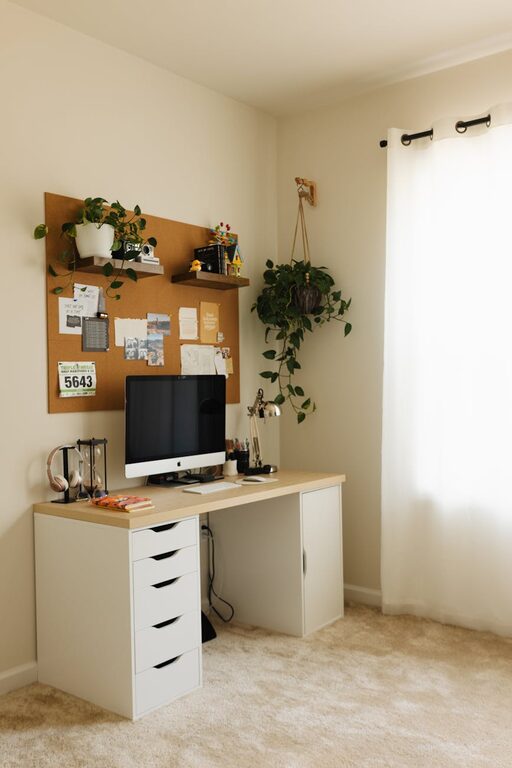
Creating a cozy and productive home workspace can significantly improve your focus and well-being when working remotely. Whether you’re a freelancer, remote employee, or simply need a dedicated spot for tackling tasks, setting up an efficient and inviting area is key. This guide offers practical tips to help you build a workspace that balances comfort with productivity.
Why a Dedicated Workspace Matters
Having a designated area for work helps separate your professional tasks from your personal life. It sets the tone for focus and minimizes distractions. When your workspace feels comfortable, it’s easier to stay motivated and maintain a good work routine.
Choose the Right Location
Start by finding the best spot in your home for your workspace. Ideally, this should be a quiet area with minimal foot traffic and background noise.
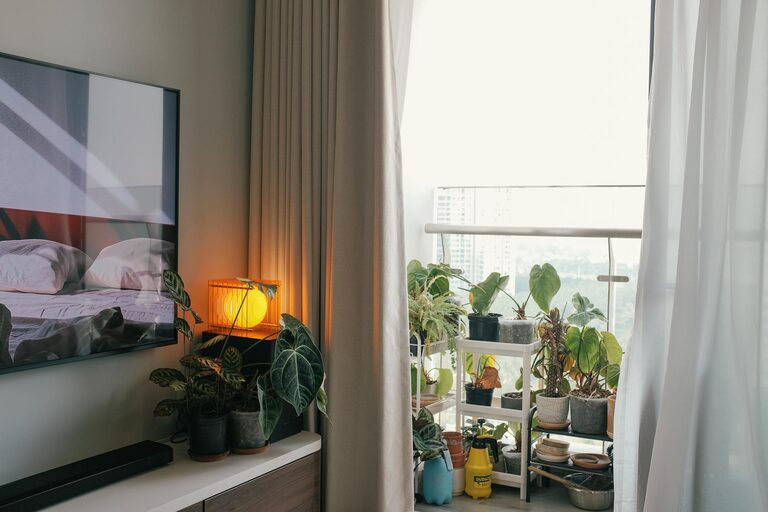
– Natural Light: Choose a space with plenty of natural light to help reduce eye strain and improve mood.
– Ventilation: Good airflow keeps the space fresh and inviting.
– Privacy: If possible, select a corner or room that lets you work without interruptions.
Invest in Ergonomic Furniture
Comfortable furniture is essential for long hours of work. Ergonomic choices will support your posture and prevent discomfort.
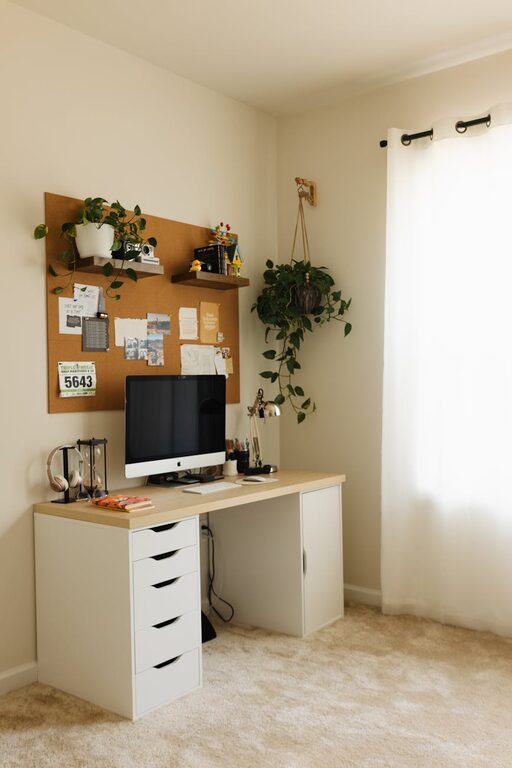
– Desk: Pick a desk that fits your space and has enough surface area for your equipment.
– Chair: Invest in an ergonomic chair with adjustable height and lumbar support.
– Monitor Stands: Use monitor stands or risers to keep your screen at eye level, reducing neck strain.
Organize to Maximize Efficiency
A clutter-free workspace promotes focus and creativity. Organizing your materials and tools reduces wasted time looking for things.
– Storage Solutions: Use shelves, drawers, and file organizers to keep things tidy.
– Desk Accessories: Incorporate pen holders, cable management tools, and trays to keep essentials close.
– Daily Reset: Spend a few minutes at the end of each day tidying your workspace for a fresh start tomorrow.
Personalize Your Space
Adding personal touches creates an inviting atmosphere that can boost your mood and creativity.
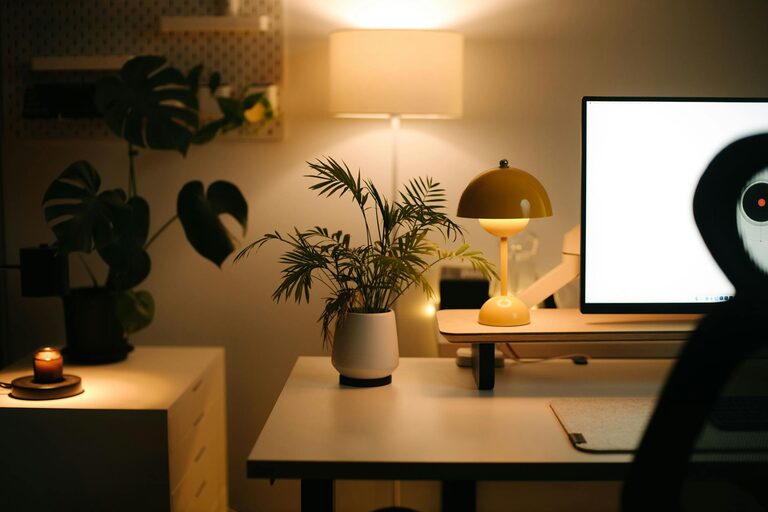
– Plants: Indoor plants add color and improve air quality.
– Art and Photos: Display artwork or photos that inspire you.
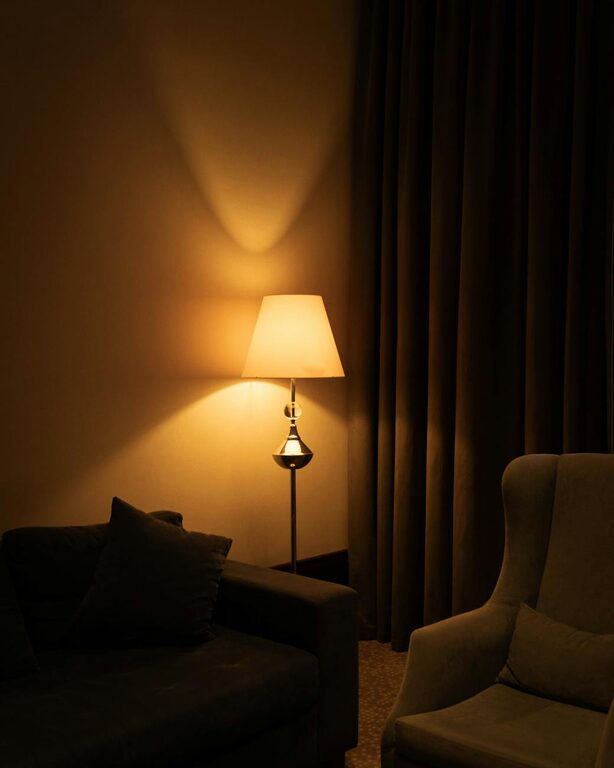
– Lighting: Use a combination of natural light and warm desk lamps to create a cozy ambiance.
Minimize Distractions
Reducing interruptions helps maintain focus during work hours.
– Noise Control: Consider noise-cancelling headphones or soft background music if your environment is noisy.
– Digital Boundaries: Keep your phone on silent or in another room when working on deep-focus tasks.
– Clear Signals: Communicate your working hours to household members to limit unexpected disturbances.
Use Technology Wisely
The right tech setup can enhance productivity without becoming a source of distraction.
– Reliable Internet: Ensure your internet connection is fast and stable.
– Ergonomic Accessories: Use an external keyboard and mouse to improve comfort.
– Task Management Tools: Utilize apps or planners to keep track of assignments and deadlines.
Maintain a Balanced Routine
Your workspace supports productivity best when paired with healthy habits.
– Regular Breaks: Follow the 25-5 or 50-10 rule—work for 25 or 50 minutes, then take a short break.
– Comfort Breaks: Stand, stretch, and walk around periodically to avoid stiffness.
– Healthy Snacks: Keep water and nutritious snacks nearby to maintain energy levels.
Final Thoughts
Creating a cozy and productive home workspace doesn’t have to be complicated. By thoughtfully selecting your location, investing in ergonomic furniture, organizing your materials, and personalizing your setup, you can build a space where work feels both comfortable and efficient. Remember, your workspace should reflect your personal needs and support your daily routine. With a little planning and care, you’ll find it easier to stay motivated and enjoy your work-from-home experience.
About the Author