
Creating a home office that feels cozy and promotes productivity is essential for anyone working remotely or managing tasks from home. Your workspace should inspire focus while also providing comfort, reducing stress, and encouraging creativity. Whether you’re setting up a new office or refreshing an existing one, here are some helpful tips to make your home office both cozy and productive.
Choose the Right Location
Selecting the right spot for your home office is the first step. It’s important to find a quiet area with minimal distractions. Ideally, this should be a room with enough natural light and enough space for your desk and storage.
– Avoid high-traffic areas like the kitchen or living room.
– If space is limited, consider using a corner or a nook.
– Ensure your location has access to power outlets for your devices.
Invest in Comfortable and Supportive Furniture
Comfort is key to staying productive for long hours. Your chair and desk should support good posture and reduce strain.
– Use an ergonomic chair that supports your lower back.
– Choose a desk at the right height to avoid hunching over.
– Consider a sit-stand desk if you want to alternate between sitting and standing.
Optimize Lighting
Good lighting reduces eye strain and lifts your mood.
– Utilize natural light as much as possible by setting up near a window.
– Add task lighting, such as an adjustable desk lamp.
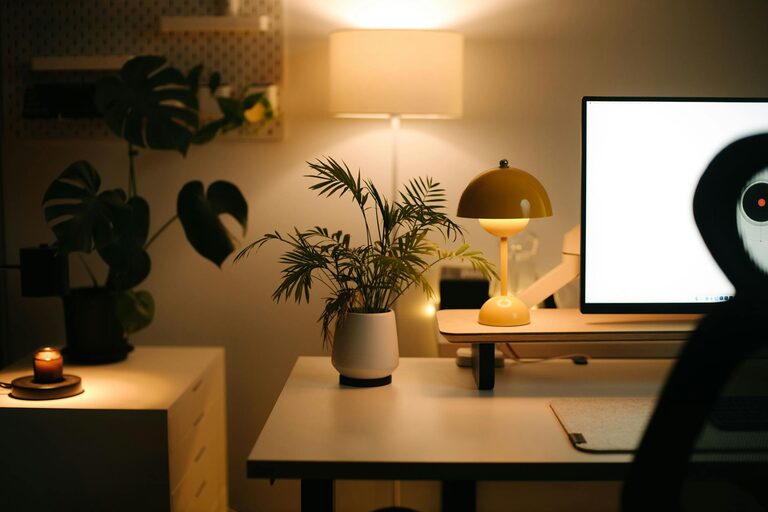
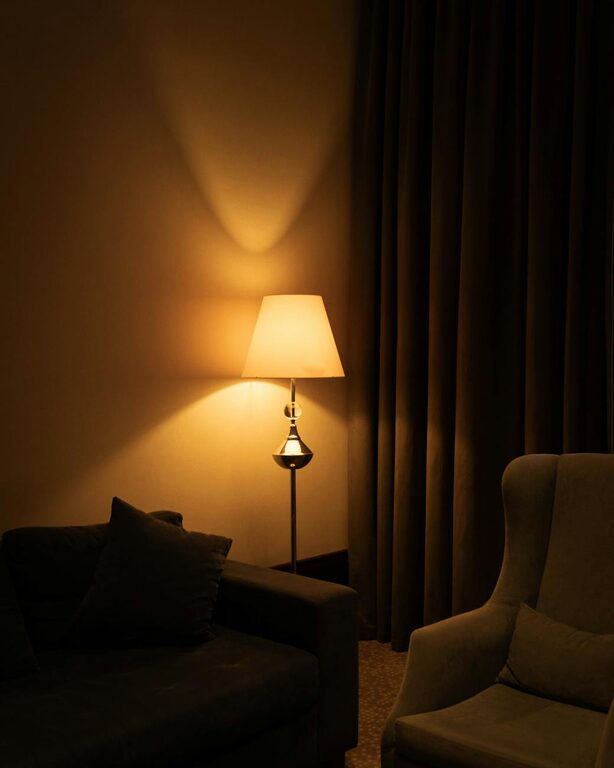
– Avoid harsh overhead lights; opt for soft, warm bulbs that create a comfortable ambiance.
Keep Your Space Organized
A clutter-free workspace promotes focus and efficiency.
– Use shelves, filing cabinets, or baskets to store supplies.
– Keep your desktop clear; only keep essentials on hand.
– Use organizers for pens, papers, and other small items.
Personalize Your Workspace
Adding personal touches makes your office feel inviting and can boost creativity.
– Display a few favorite photos or artwork.
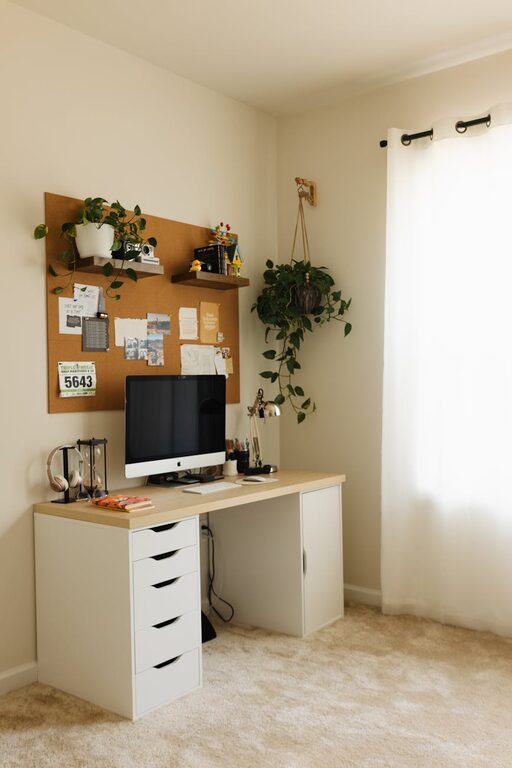
– Add plants to bring in life and improve air quality.
– Use colors and decor that inspire calmness and productivity.
Manage Technology Efficiently
Technology is central to remote work, but it can also create distractions if not managed well.
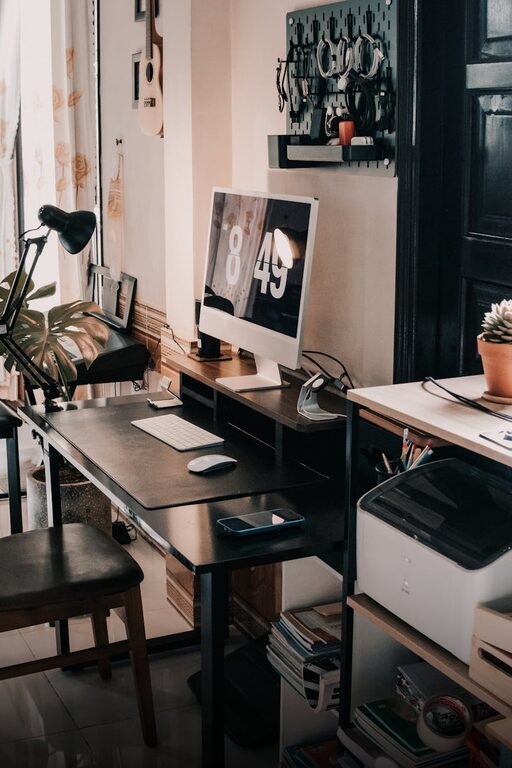
– Use cable organizers to keep cords neat.
– Ensure you have reliable, fast internet connection.
– Consider noise-cancelling headphones if background noise is an issue.
Create a Routine and Boundaries
An effective workspace is one that supports healthy work habits.
– Set specific work hours to separate work and home life.
– Use your office space only for work to mentally reinforce focus.
– Take short breaks to stretch and rest your eyes.
Add Comfort Features
Small comfort additions can make a big difference in how inviting your workspace feels.
– Use a small rug or cushion for added warmth.
– Keep a cozy throw blanket nearby for chilly days.
– Maintain a comfortable room temperature with fans or heaters as needed.
Keep Your Office Clean
Regular cleaning helps maintain a pleasant environment and reduces allergens.
– Dust and wipe down surfaces weekly.
– Vacuum or sweep floors regularly.
– Clean your computer keyboard and mouse to prevent germs.
Encourage Creativity and Inspiration
Your office should be a place where ideas flow freely.
– Keep a whiteboard or corkboard for notes and brainstorming.
– Have a journal or notebook available to jot down ideas.
– Rotate artwork or decorations to keep the environment fresh.
—
By combining these practical tips, you can create a home office space that balances coziness and productivity. Remember, the best workspace is one tailored to your needs and preferences, helping you feel motivated and comfortable throughout your workday.
About the Author